
App Icon
Customize your app icon to reflect your brand identity and stand out on users’ home screens. Upload your own design and ensure your app is instantly recognizable. A strong app icon builds trust and brand recall. Make the first visual interaction count.
Learn How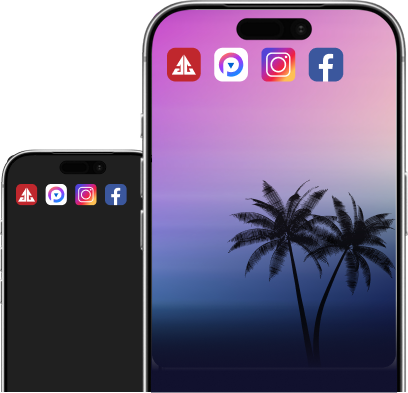
Splash Screen
Create an engaging splash screen that welcomes users to your app. Showcase your logo, brand colors, or a short message. It sets the tone for the entire app experience.
Learn How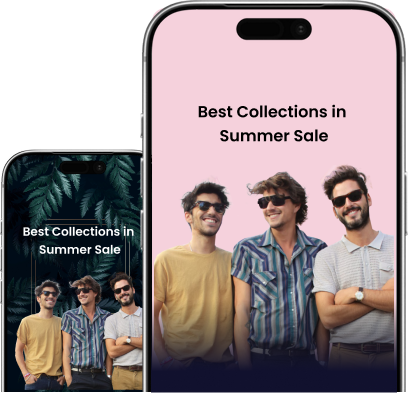
Pull To Refresh
Enable pull-to-refresh for quick and easy content updates. Customize its appearance to stay consistent with your app's design language.
Learn How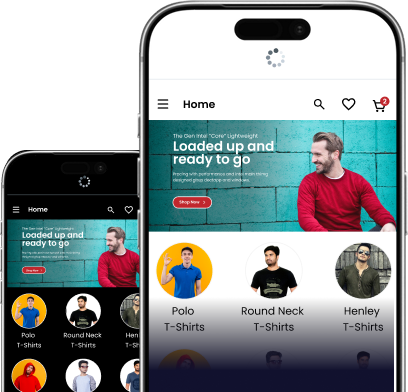
Loading Indicator
Personalize your app's loading indicator to align with your brand style. A well-designed loader keeps users informed while content loads.
Learn How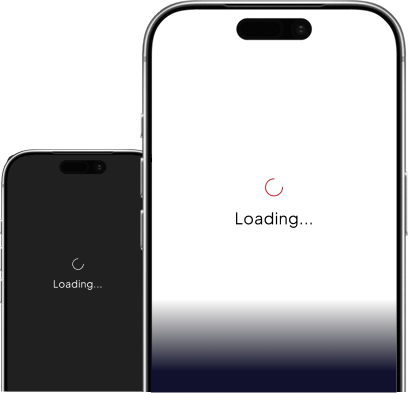
Bottom Navigation
Design your app's bottom navigation with complete flexibility using our menu builder. Add, remove, or rearrange menu items to match your user flow.
Learn How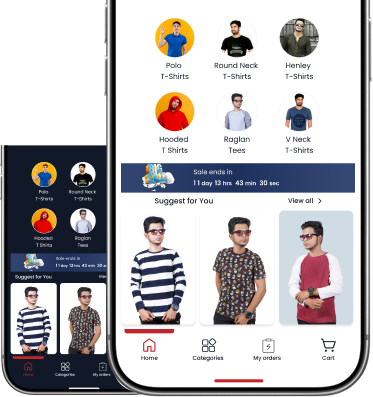
Ready to Launch Your App?


Once your app is built, Quikapp gives you everything you need to publish it on the Play Store and App Store. You handle the submission we make sure your files are fully ready.

Refund Policy
Learn about our refund process and eligibility if you're not fully satisfied with your purchase.

Cancellation Policy
Review how cancellations work, timelines, and what happens to credits and subscription access.

Privacy Policy
Understand how we collect, use, and protect your personal information when you use QuikApp.

Terms & Conditions
Review the rules, responsibilities, and legal terms you agree to when using QuikApp and its services.